

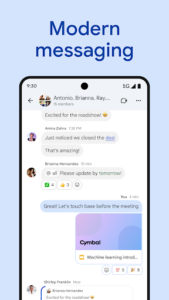
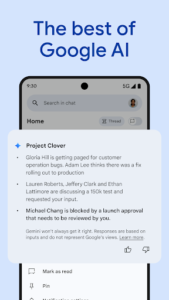
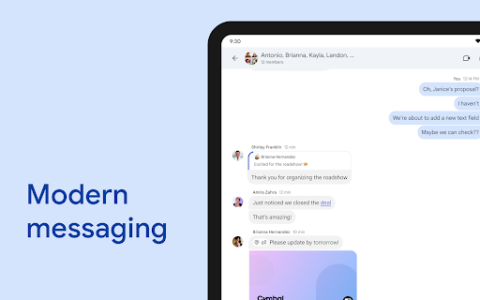
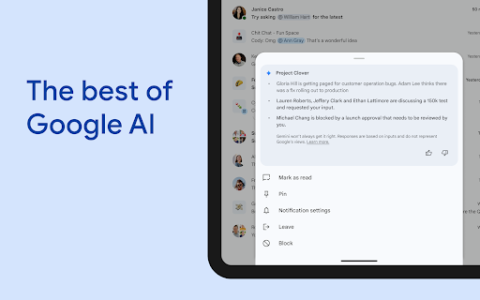
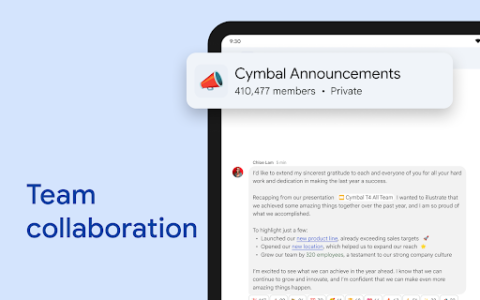
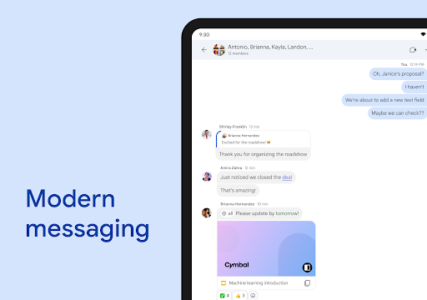
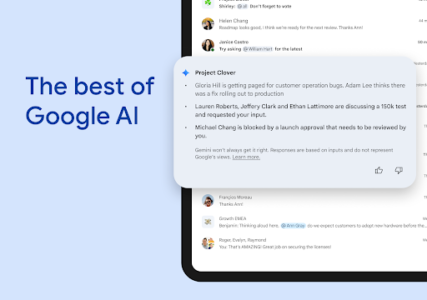
Google Chat serves as a central hub for teams leveraging Google Workspace, designed to streamline communication and collaboration. This app enables users to connect with colleagues, groups, or entire teams, facilitating real-time interactions through messaging, audio, and video. A key distinguishing feature is its integration with Gemini, providing AI-powered capabilities like conversation summaries and automatic message translation across over 120 languages, aiming to enhance team productivity.
AI-Enhanced Communication
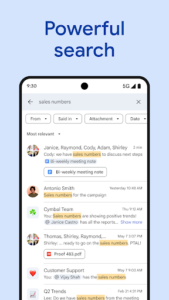
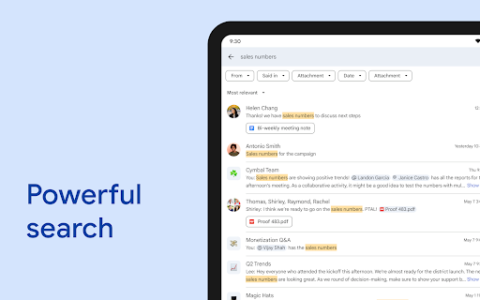
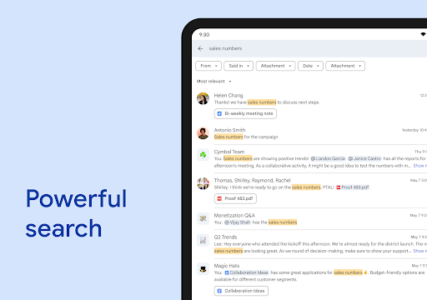
The app integrates AI capabilities, powered by Gemini, to assist with various communication tasks. Users can benefit from automatically generated conversation summaries to quickly catch up on discussions. Additionally, Google Chat supports automatic message translation across more than 120 languages, helping diverse teams communicate effectively. An AI-powered search function is also available to help users locate specific information within their chats.
Team Collaboration Features
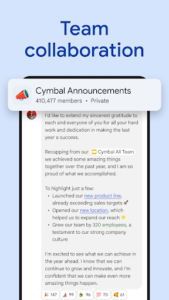
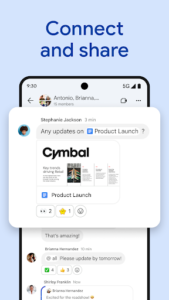
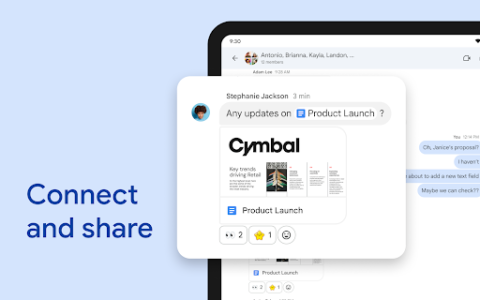
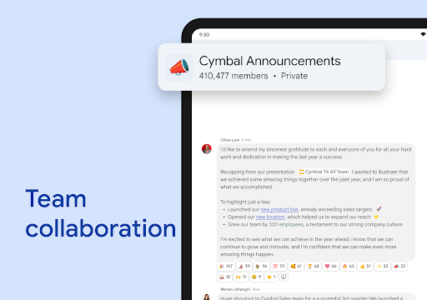
Google Chat provides essential tools for daily team interaction. Users can initiate direct chats with colleagues, create group conversations, or communicate with their entire team. The app supports personalized status updates, allowing individuals to signal when they are focused on work or available to connect. For more detailed updates, users can send audio and video messages, and connect instantly through huddles for real-time discussions. The app also facilitates capturing action items to ensure all team members remain informed.
Workspace Integration and Extensibility
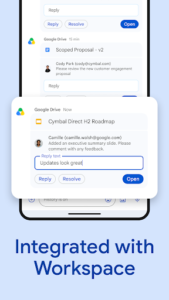
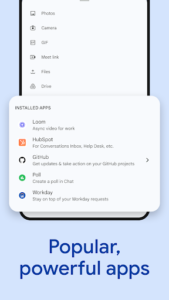
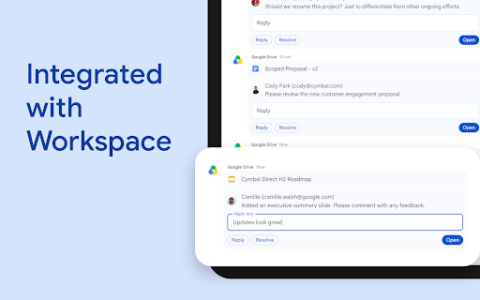
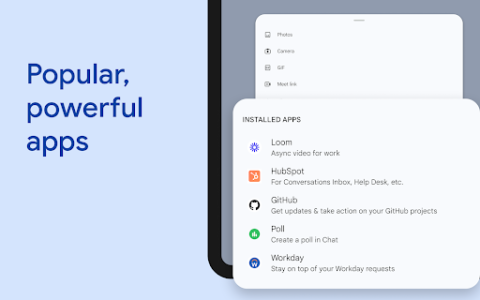
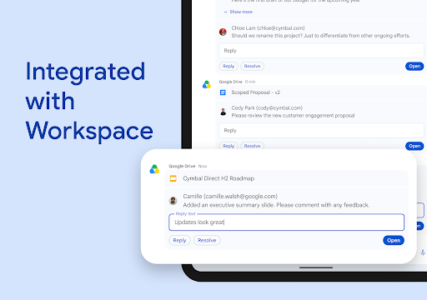
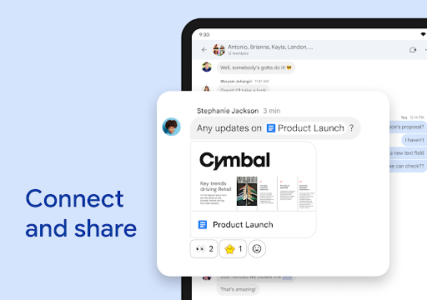
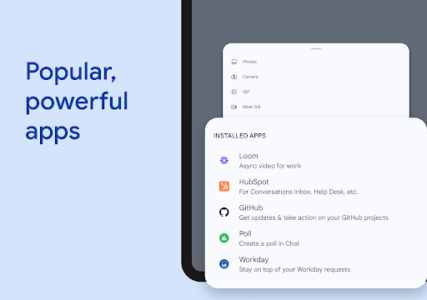
Deeply integrated with other Google Workspace apps, Google Chat allows for a seamless workflow with services like Gmail, Calendar, Drive, Tasks, and Meet. Users can streamline teamwork using smart chips to link files, people, and spaces directly within conversations. The Google Drive app for Chat helps manage requests, comments, and approvals related to shared documents. Furthermore, the app supports the installation of popular third-party Chat apps such as PagerDuty, Jira, GitHub, and Workday, and offers Chat APIs for building custom no-code, low-code, and pro-code applications.
Data Security and Privacy
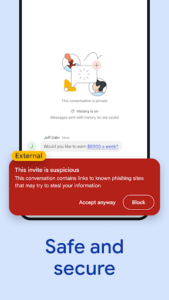
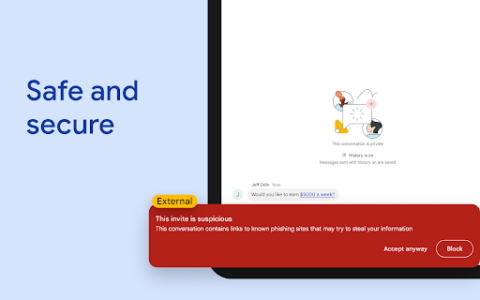
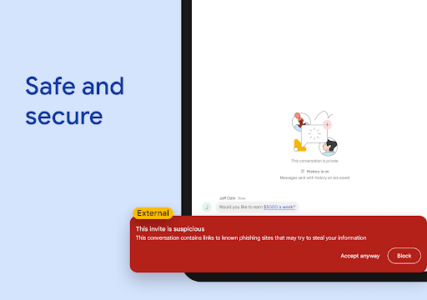
Security measures within Google Chat are built upon Google’s cloud-native, zero-trust architecture. The app is designed to not store data on end-user devices, and there are no desktop applications requiring local patching. It includes AI-powered data loss prevention (DLP) capabilities, alongside phishing and malware detection, to help keep team data secure. This architecture aims to provide a secure environment for team communication and supports migration away from insecure legacy platforms.
Availability and Access
Google Chat is included as part of Google Workspace for consumer, education, and business customers. It’s important to note that some premium features within the app may require a paid Google Workspace subscription.










Write a review